Google Search

Loading
Powered By Blogger

Monday, May 14, 2012

Adobe illustrator work


       These are vectors I did of my friends in Adobe Illustrator from a photograph that was provided. I chose bright colors to give it a cartoon feel but still didn't lose there features.I enjoy doing vectors a lot especially around my leisure time. Doing vectors requires a whole lot of patients, I know a lot of people that don't have that, so they just don't touch Illustrator at all. Adobe Illustrator is a whole lot of of fun building vectors on top of vectors to create wonderful art. There is no stopping me from using this program and I am encouraging many of you artist to use Adobe Illustrator.  


 My vector work:


Futuristic Ninja Run Cycle Test


This is my futuristic ninja run cycle I am doing in 2d for my demo reel. It still needs a lot of work like my tween to make it look more fluently and believable that he is actually running. I looked at Naruto and Ninja Scroll for reference because I am not a ninja meaning I don't know how to run (joke have a sense of humor). What I got from Naruto and Ninja Scroll is that ninjas lean forward when they run and with there hands out like airplane wings. With these two elements combine it makes the character have balance. I am going to work on this animation some more to give it that feel of a real ninja we all could watch and enjoy.

Wednesday, May 9, 2012

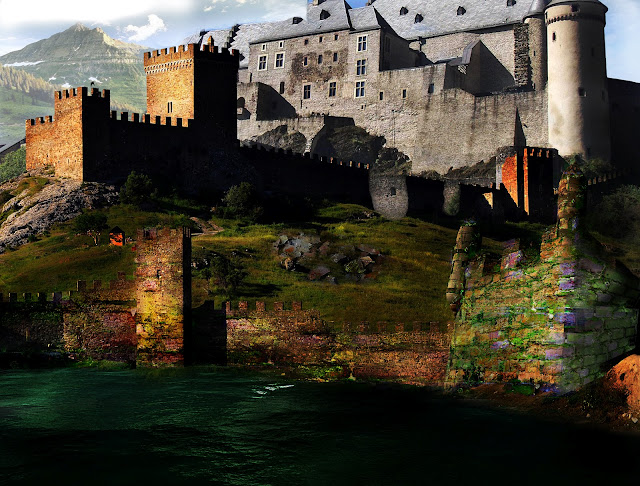
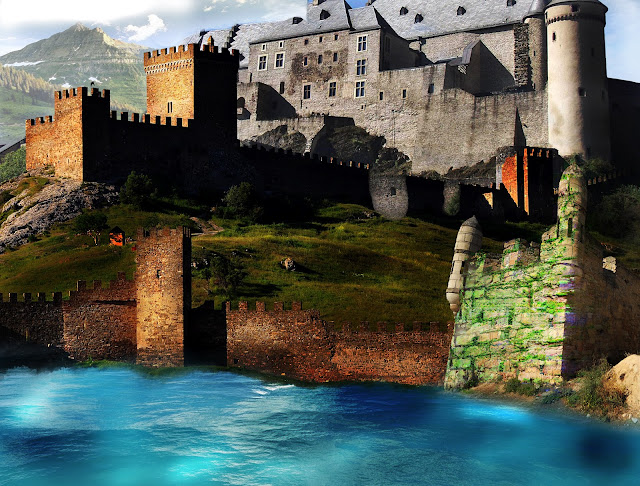
Matte Painting and the process

     Matte Painting is a painted landscape representation that is used in Film,Video, and CG. One reason for Matte Painting is that some scenes are impossible to film so artist create matte paintings to make the landscape believable to the viewers eyes. If you wanna see some great matte painting visit mattepainting.org.

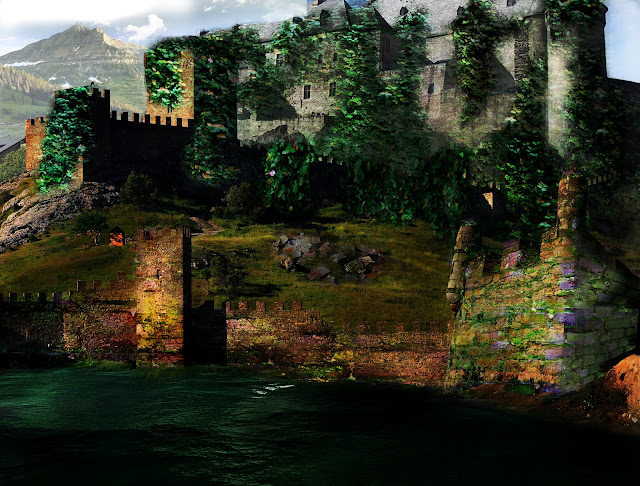
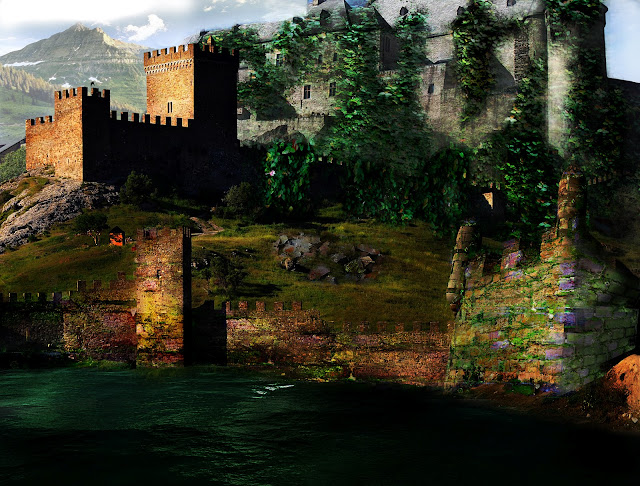
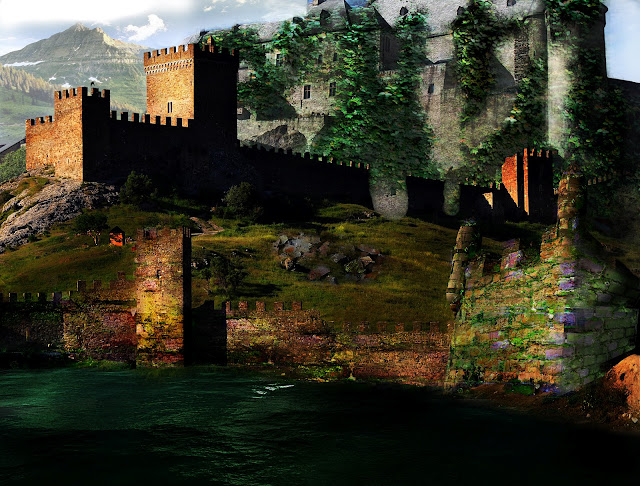
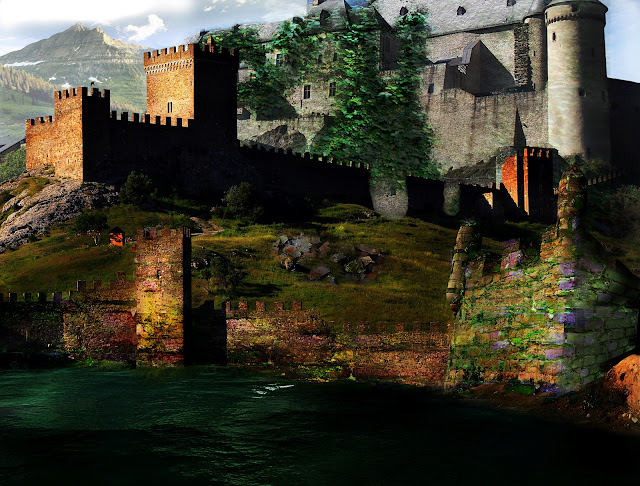
    Now in my case I used Adobe Photoshop and Images to create my matte painting. The concept I was going for was an "Uncharted: Drakes Fortune" (Sony PlayStation video game) feel because I loved the video game so much and it inspires me. The way I came about this I was playing "Uncharted: Drakes Fortune" and I made it to "Chapter 6: Unlocking the past" I was blown away by the fortress, the level consist of broken down walls and rusted cranks and it was just beautiful. The vines and trees were covered  all over the fortress, giving it that ancient look and feel while playing the video game.


Below are my steps:


Monday, April 16, 2012

I am interning at Frombie and I love being an intern my responsibilities are creating downloadable desktop wall papers. I would love for everyone to download these wall papers and have them displayed on your desktop. And please become a fan of Frombie and sign up for the newsletters I promise you will be pleased.
so go ahead and visit them at www.frombies.com.


Thursday, April 7, 2011

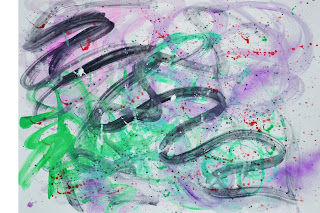
Abstact Painting

 These are  18 x 24 abstract painting I did with a fellow artist named Lavan Maddox. He took my original paintings and change it into different color variations. I also have some crazy ideas for this abstract painting like using them as backgrounds for brochures,flyers,websites,posters,etc. I encourage you as artists to make your own abstract paintings, scan it and start to develop your own personal library. To make your abstract painting more interesting I would suggest you use filters from Photoshop to develop cool effects and you will see how beautiful your result will be. 


These are the different color variations :


Tuesday, March 29, 2011

Cartoon face I did with Adobe Photoshop and Adobe Illustrator

                       This is the steps I did to create this wonderful cartoon face illustration.

                     I started with it in Photoshop then I did a quick sketch of the face with the brush tool. 
     Then I save the file as a PSD file in Photoshop and then I imported it in Adobe Illustrator. The I took the pen tool in Adobe Illustrator and outline the sketch. (I made sure I locked the layer of the sketch so I don't interfere with the sketch)
                   Then I delete the the blue sketch in Adobe Illustrator to show only the line work.

 I took the saved line work from Illustrator back to Photoshop and I colored it. And this is what the Photoshop final result came out to be .